WhatsCRM Telegram Inbox Chatbot Addon
₹3,721.00 Original price was: ₹3,721.00.₹572.00Current price is: ₹572.00.
Unlimited Downloads
Get instant access to all premium WordPress themes, plugins & template kits.
- ✓ 5,000+ Products
- ✓ Unlimited Websites
- ✓ Priority Support
Description
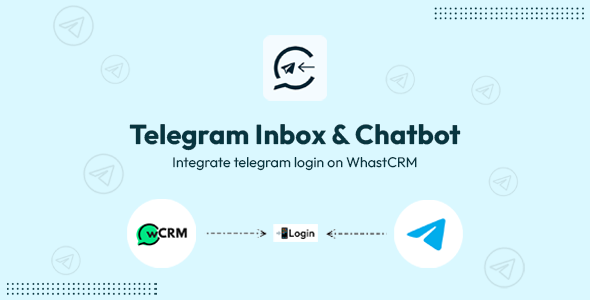
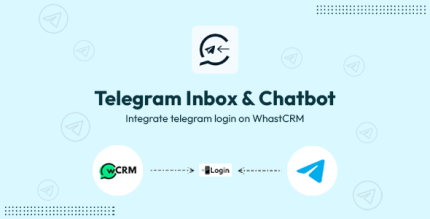
Introducing the Telegram Inbox & AI Chatbot Add-on (Ai addon need optional for ai chat only) — a powerful messaging automation extension for WhatsCRM . This revolutionary add-on enables you to connect your Telegram account directly inside WhatsCRM and manage all your Telegram conversations from a single unified dashboard with advanced AI-powered chatbot capabilities. No BotFather required, no API keys needed for basic integration — simply login with your phone number and OTP to start managing Telegram conversations alongside WhatsApp in one powerful CRM.Key Features
Direct Telegram account integration with simple phone number login
No BotFather setup or API keys required for basic Telegram connection
AI-Powered Chatbot: Intelligent automated responses using OpenAI, DeepSeek, and Gemini
Multi-AI Support: Switch between OpenAI, DeepSeek, and Gemini models for optimal performance. (This is optioanl if you want this featue AI Addon is required for WhatsCRM)
Unified inbox for all Telegram private chats
Manage WhatsApp and Telegram conversations in one dashboard
Team collaboration for customer conversations
Automated chatbot replies for Telegram messages with AI intelligence
Real-time message synchronization
CRM-level management for Telegram communication
Contact management and conversation history
Quick reply templates for faster responses
Message scheduling and automation
AI conversation context and memory
Custom AI prompts and personality settings
One-click plugin installation available
AI Chatbot Capabilities
OpenAI Integration: Leverage GPT-4 and GPT-3.5 for intelligent conversations
DeepSeek Support: Cost-effective AI alternative with powerful language understanding
Gemini Integration: Google’s advanced AI for multilingual support
Context-Aware Responses: AI remembers conversation history for better interactions
Custom AI Personalities: Configure chatbot tone, style, and behavior
Automated FAQ Handling: AI automatically answers common questions
Lead Qualification: Intelligent lead scoring and routing
Multi-Language Support: AI responds in customer’s preferred language
Sentiment Analysis: Detect customer emotions and adjust responses
Seamless Human Handoff: Transfer complex queries to human agents
System Requirements
Node.js: Version 20 or higher (mandatory)
WhatsCRM: Version 2.0 or higher
Required Plugin: OpenAI WhatsApp Plugin (for AI chatbot features)
Telegram Account: Active Telegram account with phone number access
AI Services (Optional): API keys for OpenAI, DeepSeek, or Gemini for chatbot features
Popular Use Cases
24/7 Customer Support: AI chatbot handles inquiries from WhatsApp and Telegram round-the-clock
E-commerce Automation: Manage orders, track shipments, and answer product questions automatically
Lead Generation: Qualify and nurture leads with intelligent AI conversations
Marketing Agencies: Centralize client communication with AI-powered response automation
Service Providers: Automate appointment scheduling and service requests with AI assistance
Sales Teams: Track and manage leads from multiple messaging channels with AI insights
Community Management: Engage with community members using AI-powered responses
Multilingual Support: Serve global customers with AI translation and localization
Configuration
After installation, simply navigate to the Telegram settings in your admin panel. Click “Connect Telegram Account”, enter your phone number, verify with the OTP code sent to your Telegram app, and you’re done! No complex API setup, no BotFather configuration — just a simple 2-step login process.
For AI chatbot features, ensure the OpenAI WhatsApp Plugin is installed in your WhatsCRM system. Then configure your preferred AI service (OpenAI, DeepSeek, or Gemini) with your API keys. Set up custom prompts, define chatbot personality, and configure automation rules. Once connected, all your Telegram conversations will sync automatically with your WhatsCRM dashboard, and the AI chatbot will start handling messages intelligently.


Reviews
There are no reviews yet.