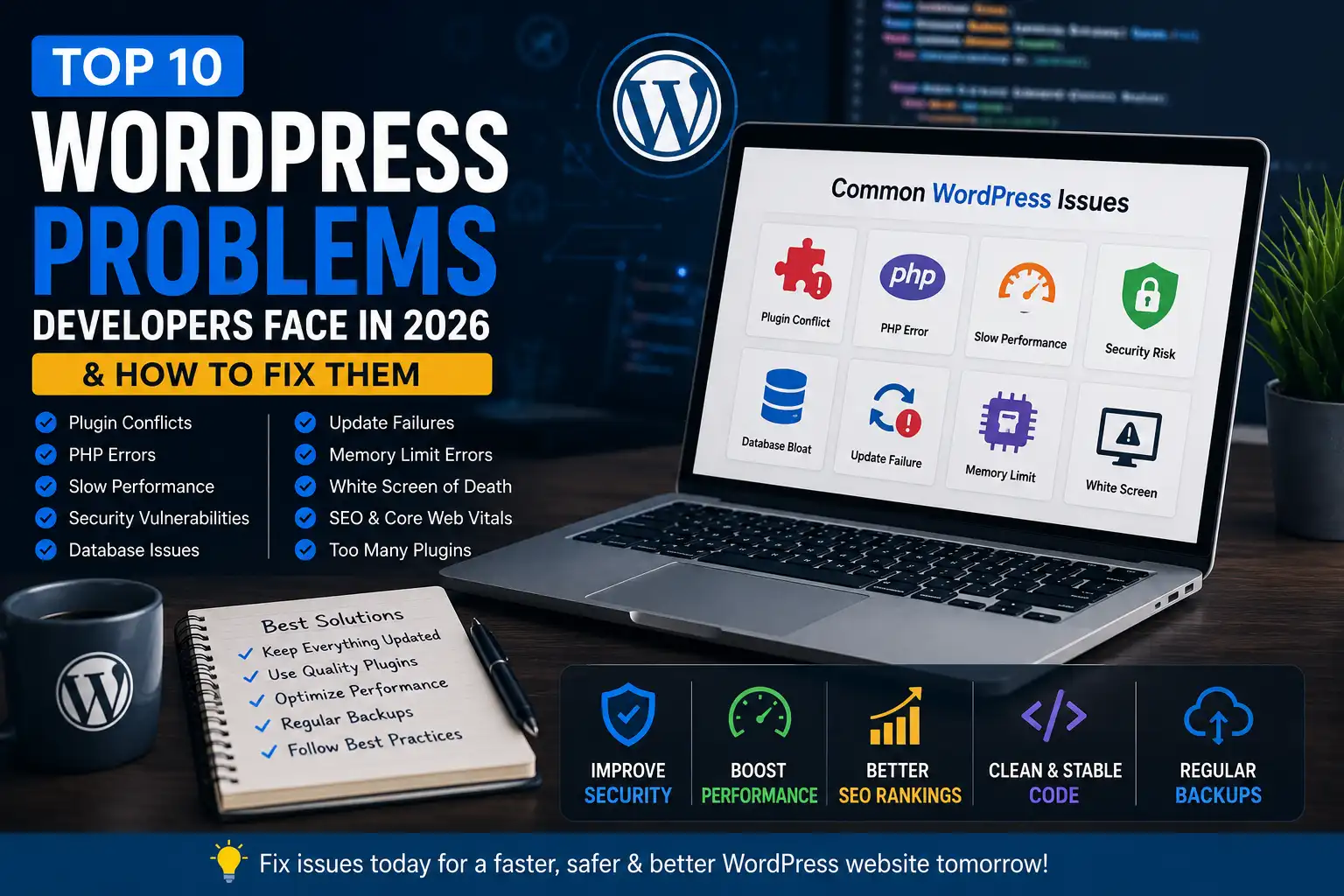
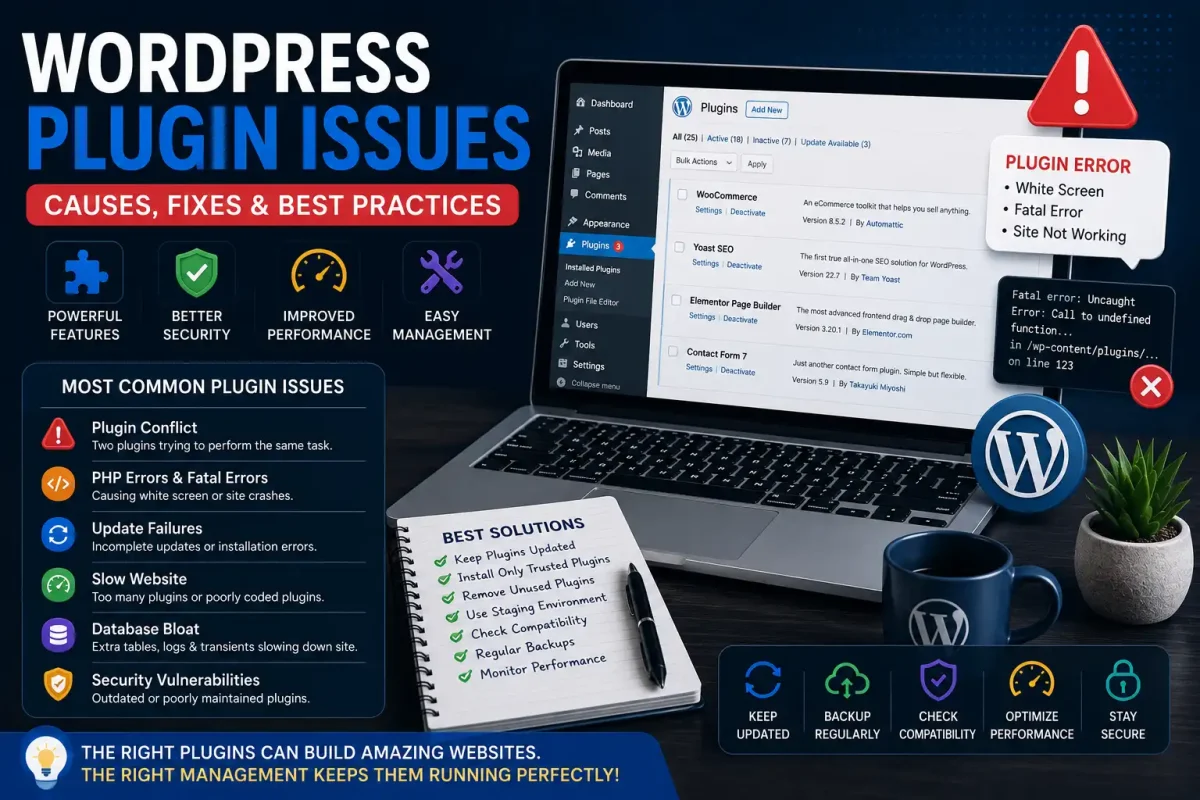
WordPress powers over 40% of websites worldwide, making it one of the most flexible content management systems available. However, with flexibility comes complexity. Developers and website owners often encounter issues that affect performance, security, SEO, and user experience.
If you’re struggling with WordPress errors or want to prevent them before they happen, this guide covers the biggest challenges and proven solutions.
1. Plugin Conflicts
The Problem
Installing multiple plugins can cause unexpected conflicts. One plugin may override another’s functionality, resulting in broken layouts, white screens, or JavaScript errors.
The Solution
- Install only trusted plugins.
- Keep plugins updated.
- Test updates on a staging website.
- Remove inactive plugins regularly.
- Enable WordPress debug mode to identify conflicts.
2. PHP Version Compatibility Errors
The Problem
Many websites still run outdated PHP versions, causing fatal errors after updating themes or plugins.
Common errors include:
- Call to undefined function
- Deprecated warnings
- White Screen of Death
- HTTP 500 errors
The Solution
- Upgrade to PHP 8.2 or newer if supported.
- Test compatibility before upgrading.
- Update custom code to modern PHP syntax.
- Ask your hosting provider for compatibility checks.
3. Slow Website Performance
The Problem
Large images, heavy themes, unnecessary plugins, and poor hosting dramatically slow websites.
Slow sites hurt SEO and reduce conversions.
The Solution
- Enable page caching.
- Compress images.
- Use a CDN.
- Remove unused plugins.
- Optimize your database.
- Choose fast hosting.
4. Memory Limit Exhausted Errors
The Problem
Many developers encounter:
Allowed memory size exhausted
Usually during Elementor editing, WooCommerce imports, or backups.
The Solution
Increase PHP memory:
define('WP_MEMORY_LIMIT', '512M');
Also optimize plugins consuming excessive memory.
5. White Screen of Death
The Problem
Your website suddenly becomes completely blank.
Common causes:
- PHP fatal errors
- Plugin conflicts
- Theme issues
- Memory exhaustion
The Solution
- Rename the plugins folder temporarily.
- Switch to a default theme.
- Enable WP_DEBUG.
- Check server error logs.
6. Security Vulnerabilities
The Problem
Outdated plugins and weak passwords make WordPress an attractive target for attackers.
Hackers commonly exploit:
- Vulnerable plugins
- File upload flaws
- SQL Injection
- Cross-site scripting
- Weak admin credentials
The Solution
- Enable two-factor authentication.
- Update plugins immediately.
- Use a firewall.
- Scan for malware regularly.
- Disable file editing inside wp-admin.
7. Database Bloat
The Problem
Over time, WordPress stores revisions, transients, spam comments, and orphaned metadata.
Large databases slow every page request.
The Solution
- Remove old revisions.
- Delete expired transients.
- Optimize database tables.
- Clean orphaned options.
Monthly maintenance keeps performance high.
8. Core Web Vitals Failures
The Problem
Google now heavily rewards websites with fast loading speeds and good user experience.
Common issues:
- Render blocking CSS
- Heavy JavaScript
- Slow fonts
- Large images
The Solution
- Lazy load images.
- Minify CSS and JS.
- Preload fonts.
- Use modern image formats like WebP.
- Optimize Largest Contentful Paint (LCP).
9. Failed Automatic Updates
The Problem
Sometimes WordPress gets stuck in maintenance mode after updates.
Users see:
Briefly unavailable for scheduled maintenance.
The Solution
Delete the .maintenance file from your website root and retry the update.
Always back up before updating.
10. Too Many Plugins
The Problem
Installing 50+ plugins doesn’t necessarily improve functionality—it often reduces speed and increases security risks.
The Solution
Audit plugins every few months.
Ask yourself:
- Is this plugin still needed?
- Can another plugin replace multiple tools?
- Is the developer actively maintaining it?
Less is often more.
Pro Tips for WordPress Developers
✔ Use Git for version control
✔ Create staging environments before updates
✔ Keep daily backups
✔ Monitor PHP error logs
✔ Keep themes and plugins updated
✔ Use quality hosting
✔ Optimize images before upload
✔ Test website speed regularly
✔ Remove unused code snippets
✔ Follow WordPress coding standards
Final Thoughts
Most WordPress issues can be prevented with proactive maintenance and good development practices. Instead of waiting for your website to break, schedule regular audits, keep your software updated, and monitor performance continuously.
Whether you’re managing one website or hundreds of client projects, following these best practices will improve security, speed, SEO rankings, and long-term stability.
At ThemesTUB, developers can also explore WordPress themes, GPL plugins, PHP scripts, WHMCS modules, and HTML templates to accelerate website development while following modern WordPress standards.